Learn how you can configure organization settings
Lango > Settings
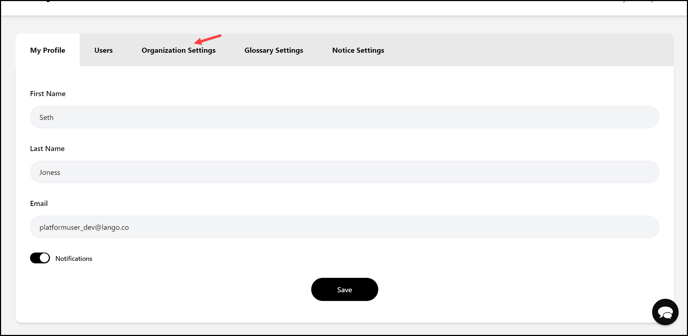
1. Follow the above-mentioned workflow to land on the My Profile screen.
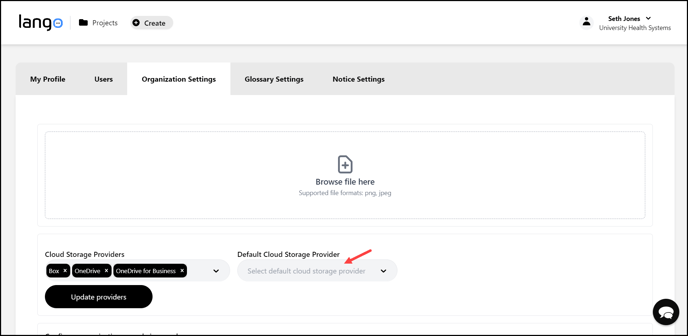
2. Click the Organization Settings tab from the tabs listed at the top. Doing so displays the organization settings.
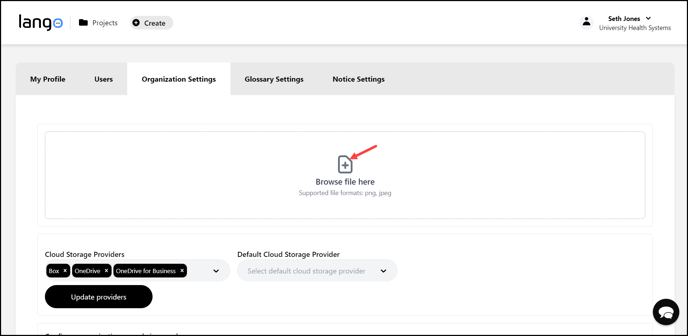
3. Here, click the Browse Files Here button to upload any organizational documents from your system storage.
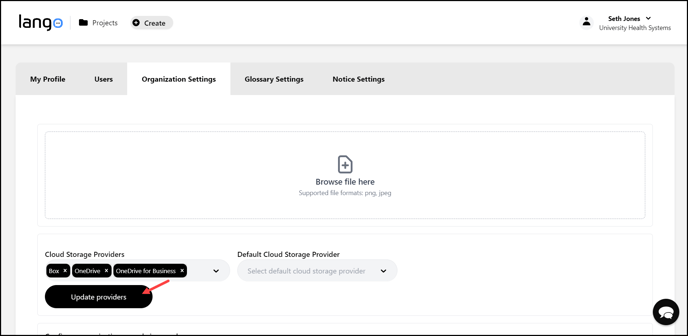
4. Select the cloud storage providers you want to configure for Large Batch Machine Translation using the Cloud Storage Providers dropdown.

5. As the selections are made, click the  button.
6. Select the cloud storage provider you want to set as default using the Default Cloud Storage Provider dropdown.
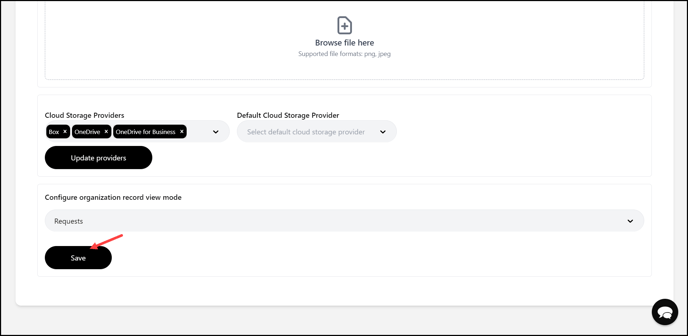
7. Choose the default view mode for the organization (Projects/Requests) using the Configure organization record view mode dropdown.
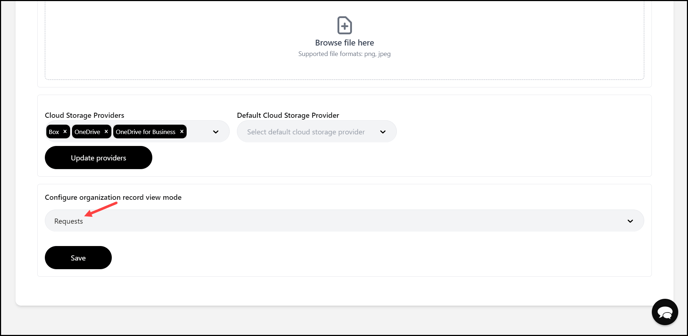
8. Once the required selections are made, click the  button.