Learn how the projects grid work and which actions can you perform
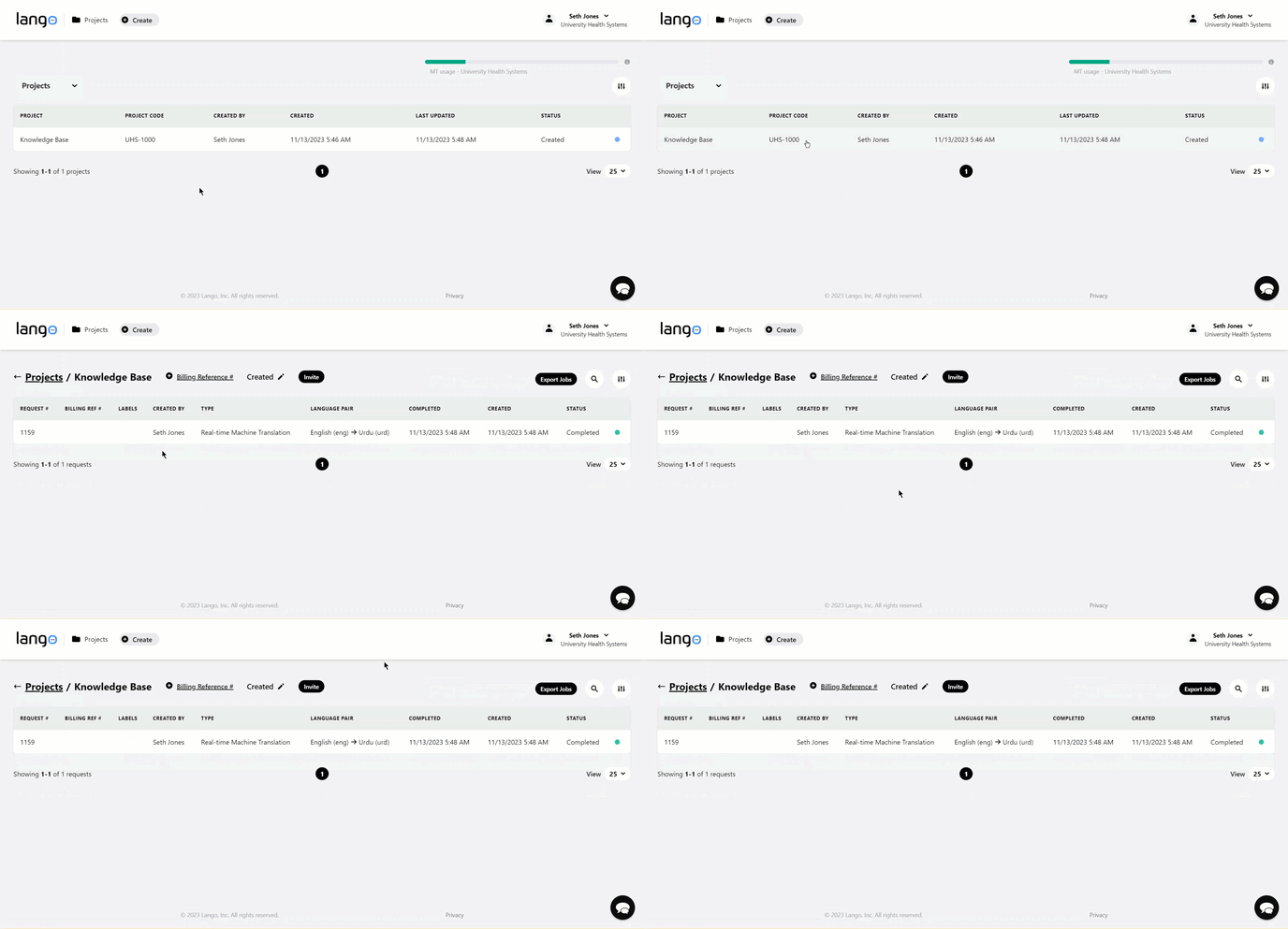
1. Upon successful login, you land on the Projects screen.
2. Here, all projects are listed with their relevant details. Data is tabulated via various columns that include Project, Project Code, Created By, Created, Last Updated, and Status.

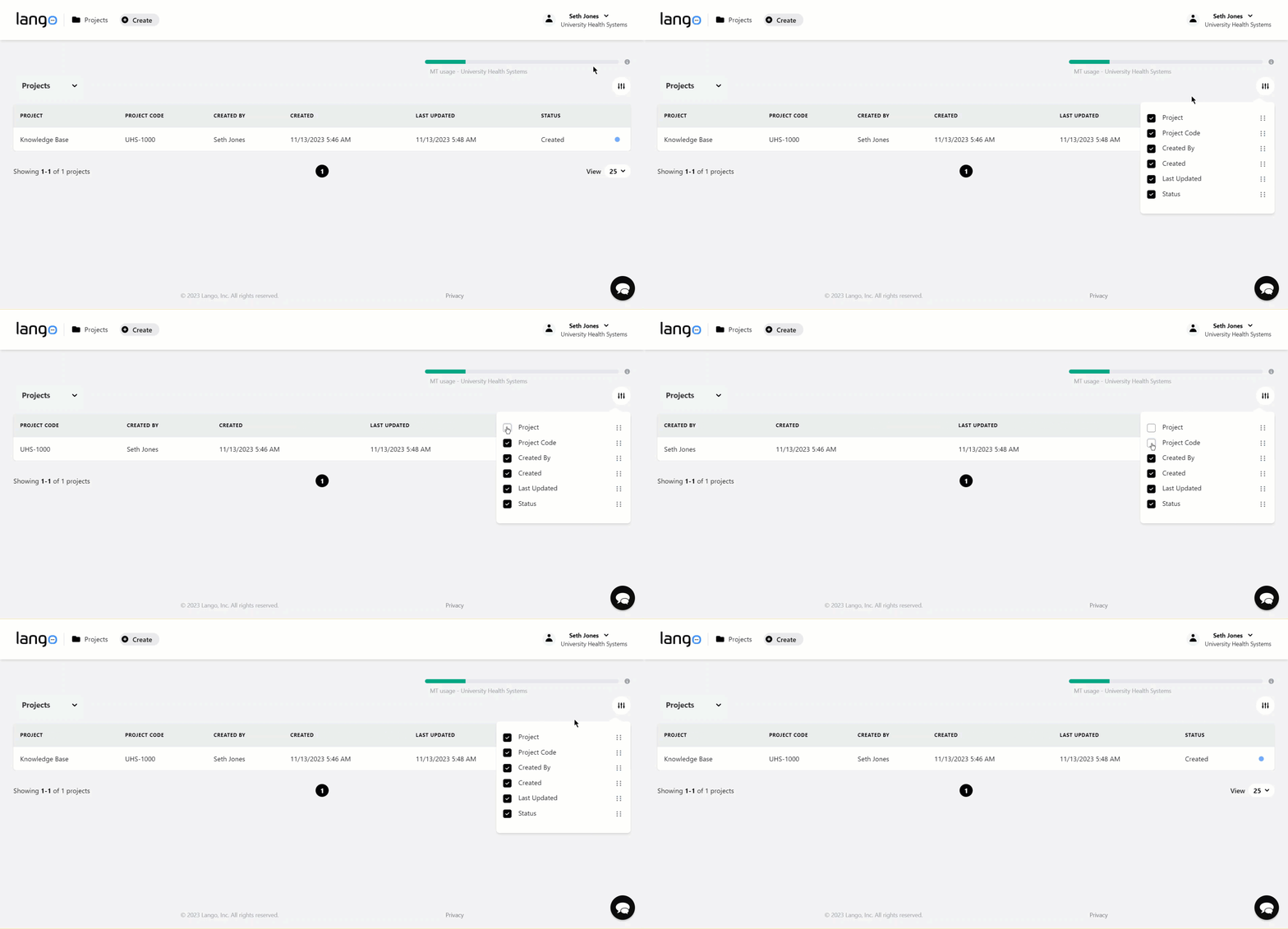
3. You can configure the columns displayed on the grid by clicking the  button at the top-right corner of the grid. This reveals a menu with all column names having a corresponding checkbox. Unmarking the checkbox hides the respective column from the grid and vice-versa.
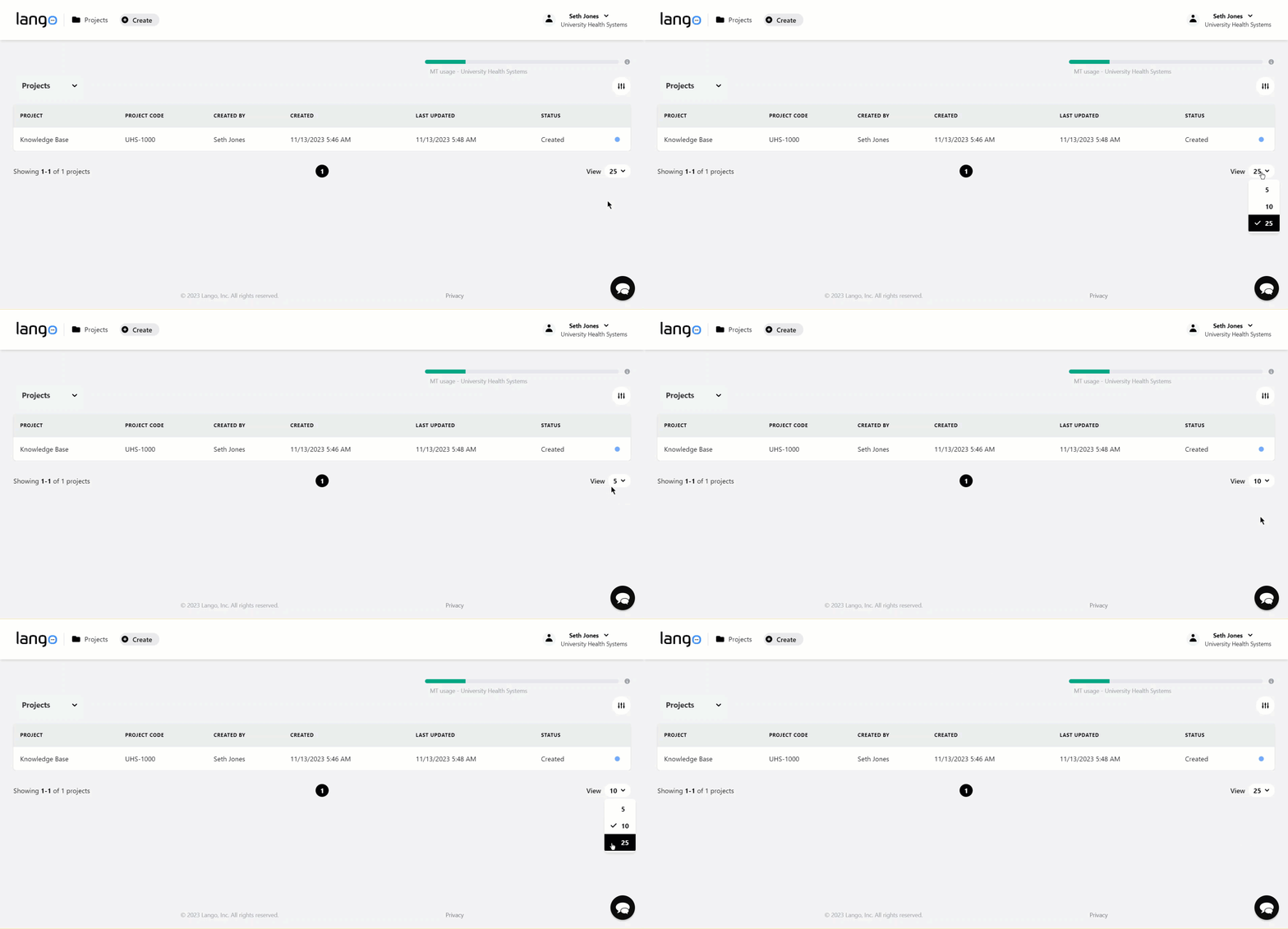
4. By default, 25 records are displayed on the grid. However, you can click the count dropdown next to View heading to set it to 5 or 10 rows per page.
5. Clicking a project row opens the requests inside that project. The requests grid tabulates the details of the request via various columns that include Request #, Billing Ref. #, Labels, Created By, Type, Language Pair, Completed, Created, and Status.