Learn how the hierarchy is built in Lango
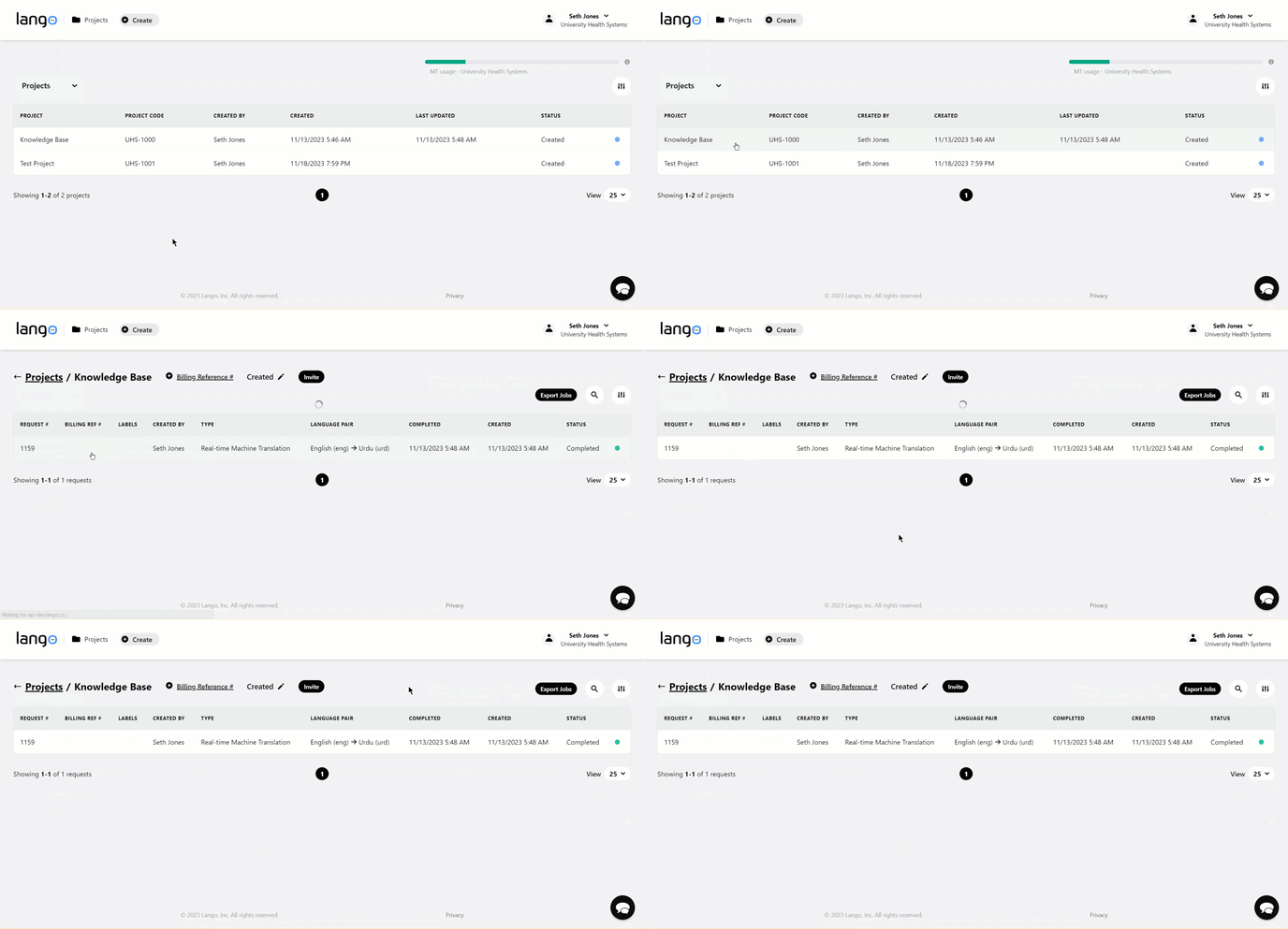
Each project inside Lango contains multiple requests. This is how translation works in Lango. User has to create a project and then place each translation request inside the project. Let us take a look at how you can view requests from projects.
Lango > Projects
1. Follow the above-mentioned workflow to land on the Projects screen.
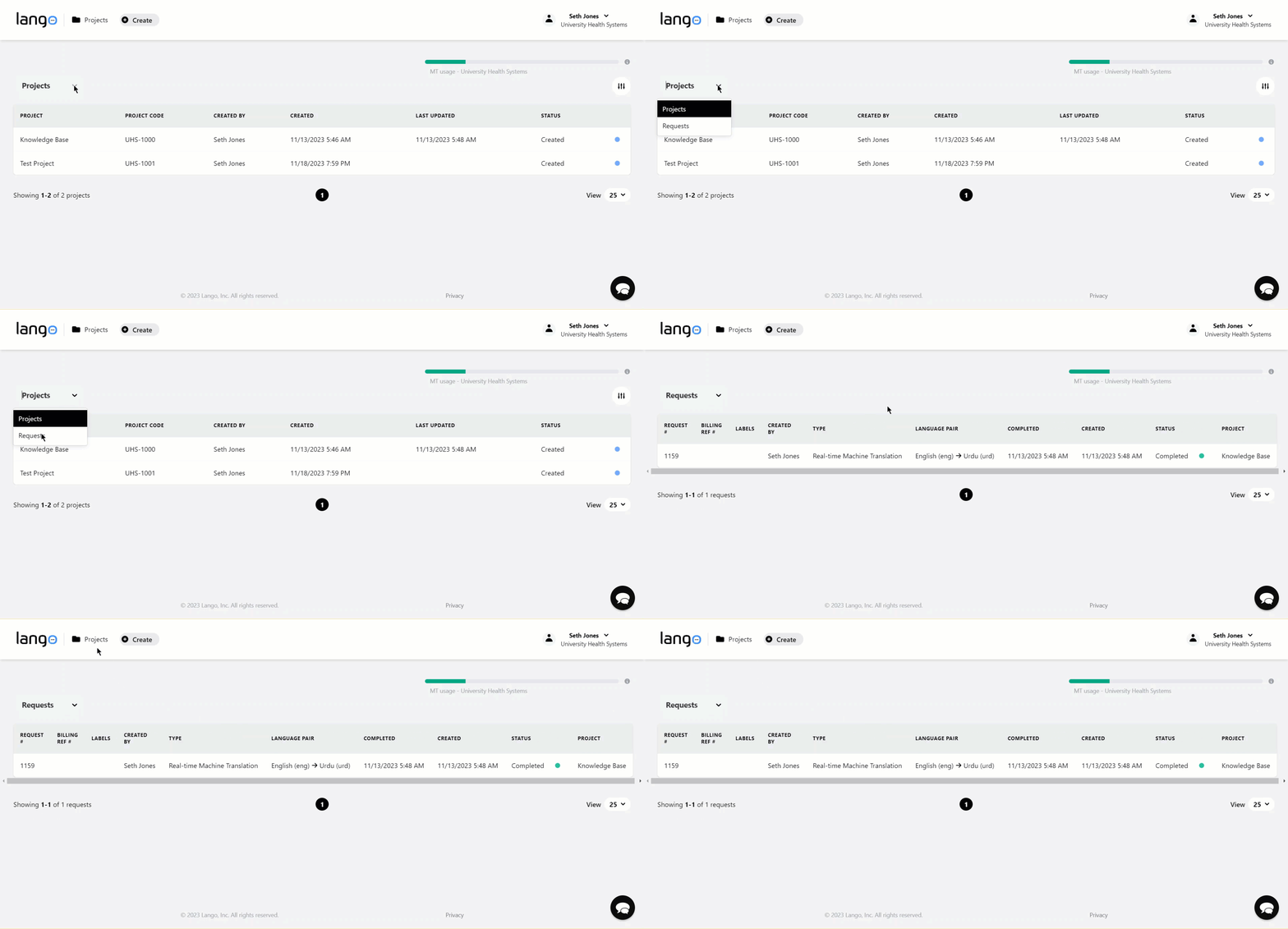
2. Here, you can click the Projects dropdown and select Requests. This displays all the translation requests.
3. Alternatively, clicking the project name displays the translation requests inside that project.