
Learn how you can view details of a translation request
Lango > Projects > Select Project
1. Follow the above-mentioned workflow to land on the Requests screen.
2. Here, clicking a request takes you to its details.
3. The details are tabulated via various columns that include Request Type, Billing Ref #, Labels, Requestor, Language Pair, Word Count, MT Glossary, Submission Date, and Status.
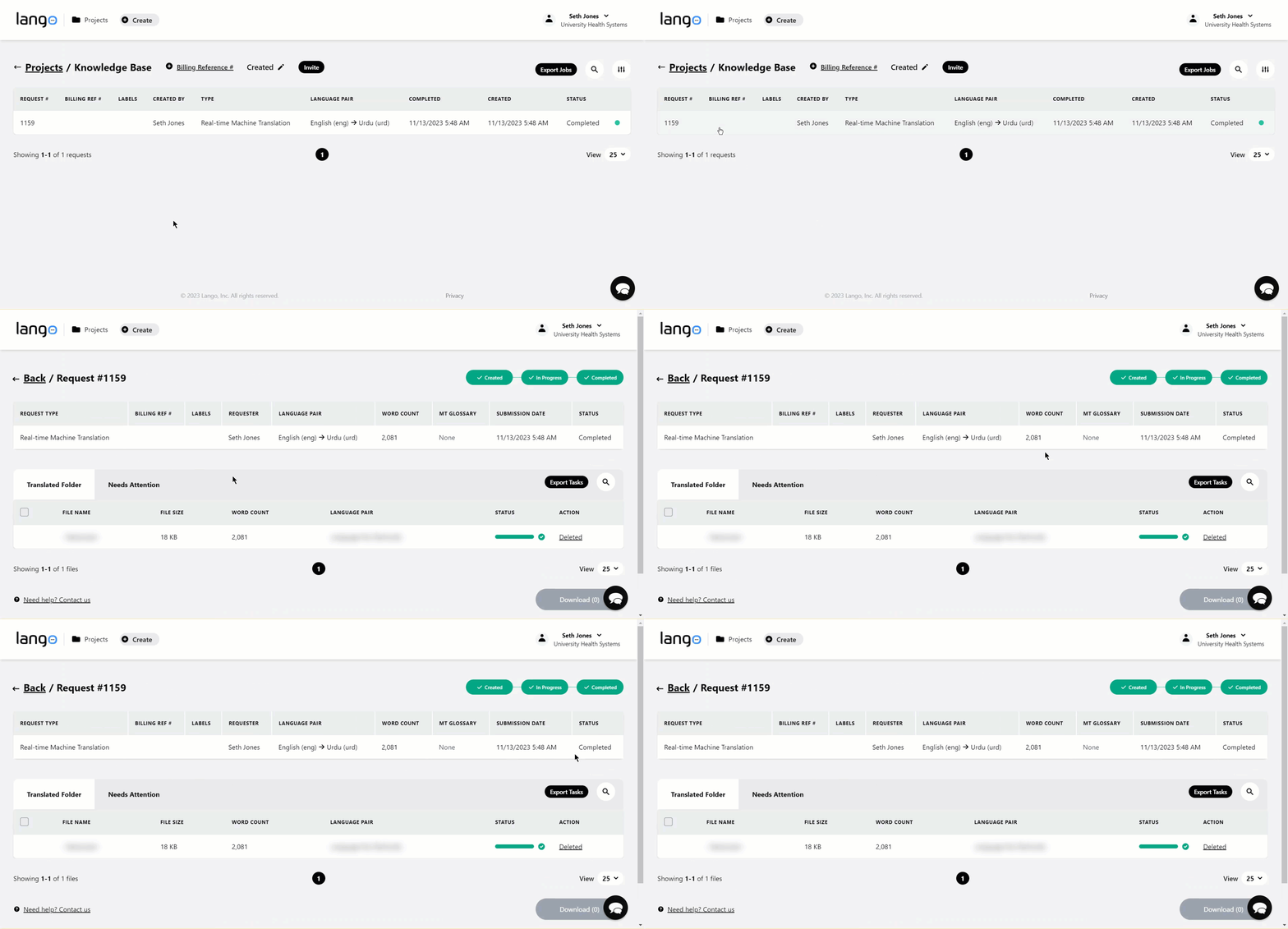
4. The successful translation executions are displayed in the Translated Folder whereas the failed executions are displayed in the Needs Attention folder.

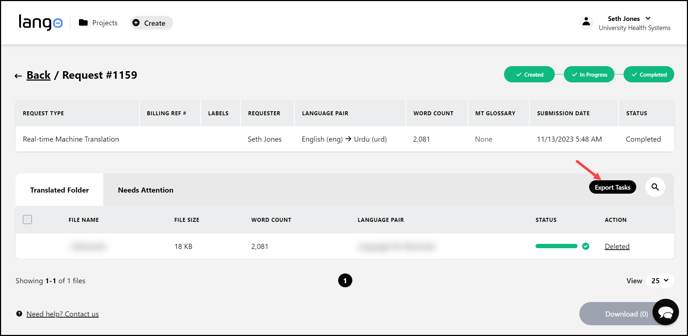
5. To export the tasks in a .CSV file, click the  button. This opens the Export Tasks popup.
6. To download the .CSV file, click the  button.
