
Forgot your password? No worries. Lango has you covered!
- Use the https://service.lango.co/login URL from your web browser to land on the Lango login page.
- Use the Email field to enter the email address with which your account is registered.

- Once entered, click the
 button. Doing so reveals a number of action buttons.
 - Click the Forgot Password? hyperlink.

- As a result, the Email screen is displayed. Here, use the Enter Email field to enter the email address with which your account is registered.

- Once entered, click the
 button. This sends a password reset email to the provided email address.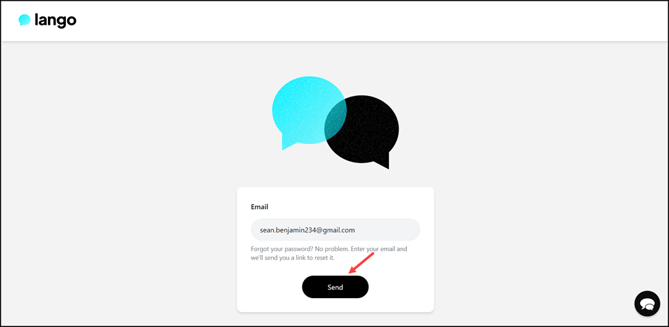
- Open your email inbox and follow the on-screen instructions to reset your account password.