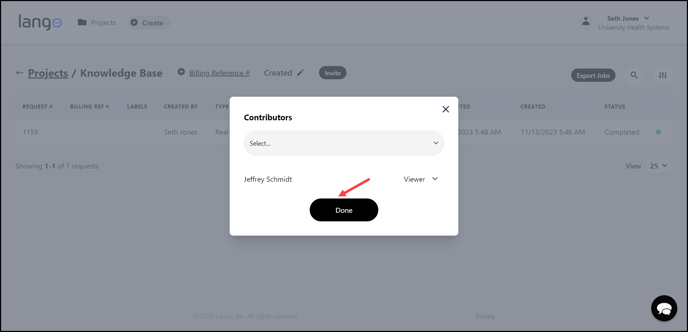
Learn how you can invite contributors to a project
Lango > Projects > Select Project
1. Follow the above-mentioned workflow to land on the Requests screen.
2. Click the  button located at the top. Doing so opens the Contributors popup.

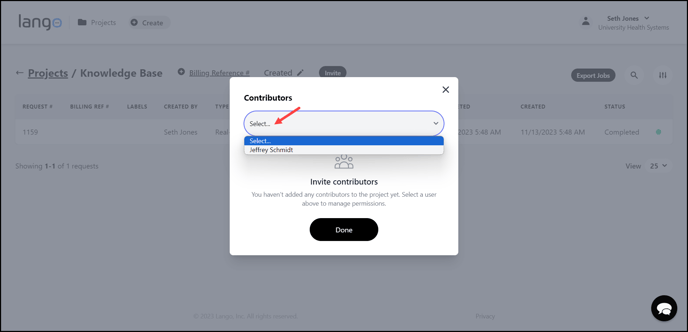
3. Here, the users added in the Lango system are populated in the Select dropdown. Use this dropdown to select the contributor you want to invite.
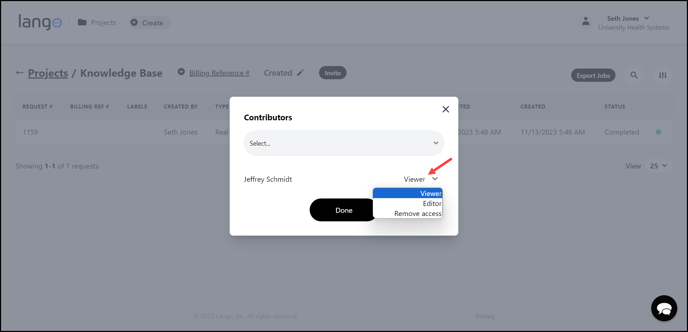
4. Once selected, select the access you want to give them as contributor (Viewer, Editor, or Remove Access).
5. As the access level is selected, click the  button.