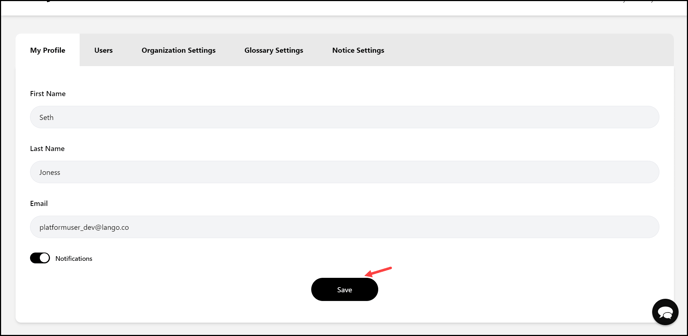
Learn how you can configure profile settings
Lango > Settings
1. Follow the above-mentioned workflow to land on the My Profile screen.
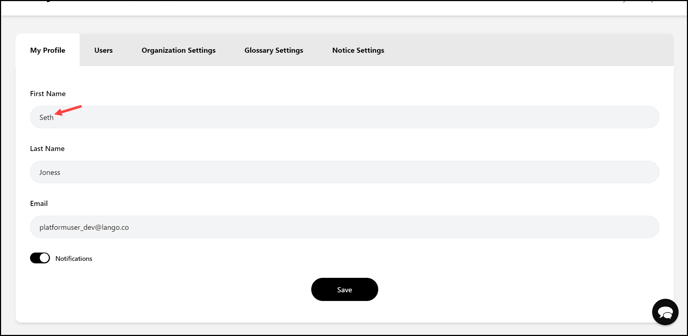
2. Here, use the First Name field to edit your first name.
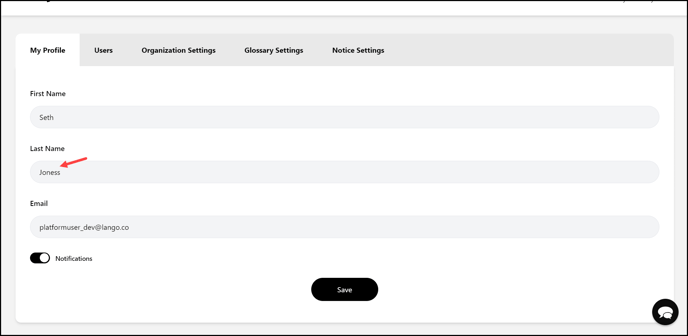
3. Edit your last name using the Last Name field.
4. The email address with which your account is registered is displayed in the Email field. This is read-only and you cannot edit.

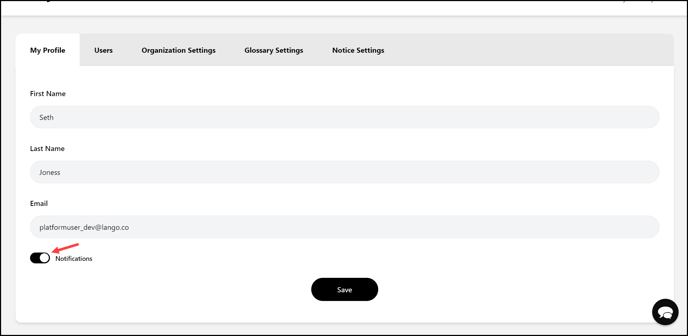
5. In case you do not want to receive notifications, disable the Notifications toggle.
6. Once the required changes are made, click the  button.