
Whenever you are trying to schedule an appointment for a certian communication type and the language is not showing such as below:

Follow the steps:
1. Find the account under Members -> Accounts
2. Navigate Features and find the communication type that you need to use
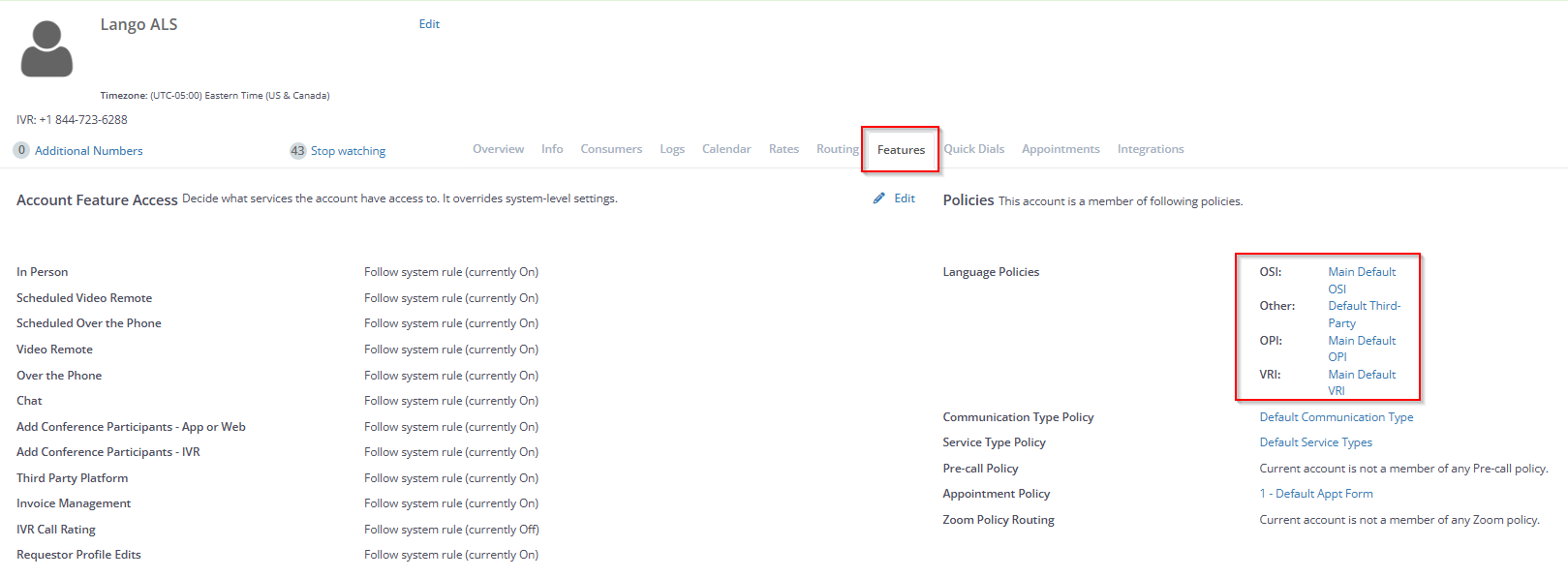
3. Click on Add/Edit Language and search on the Hidden list
4. Search for the language you need and click on the single Arrow
5. Save Changes
